








Rev Blog
.webp)
Featured Posts
Most Recent

Premiere Pro Subtitles & Captions: How to Add
Editing in Adobe Premiere Pro? Learn how to add subtitles or closed captions step-by-step, so your video content remains accessible to all.
Recording Lectures in College While Following Classroom Policies
Learn how to record college lectures effectively. Get tips on using recording tools and organizing audio for studying or teaching.

Practice Transcription & Improve Your Skills: A Guide
Looking to practice transcription? Our guide covers plenty of easy ways to practice and improve your skills.
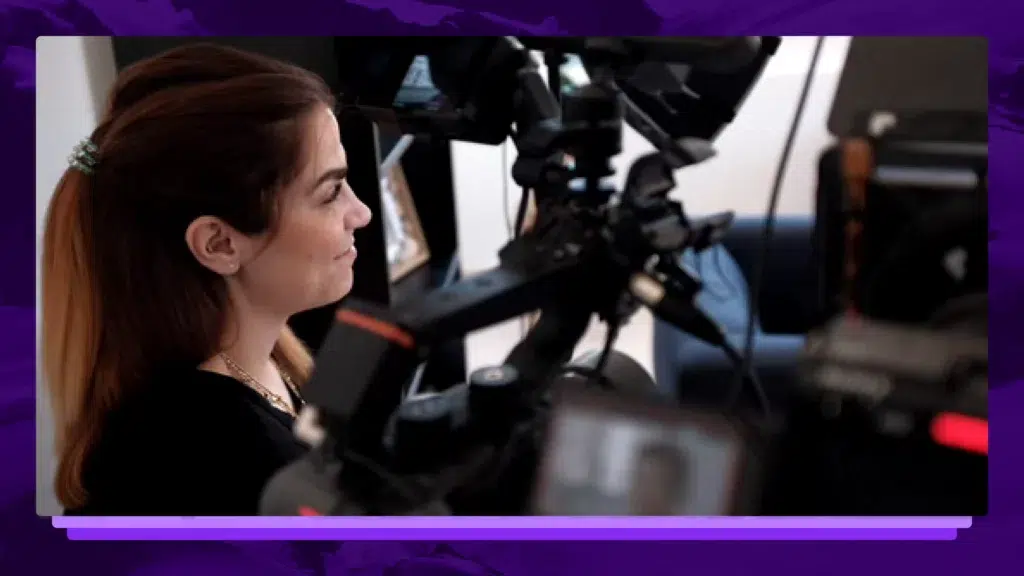
5 Tips For Interviewing Talent On-Camera
How do you get the most out of your talent when interviewing on-camera? We have a few thoughts.
.webp)
11+ Legal Tech Conferences to Attend in 2026
Legal tech conferences can introduce your firm to new, cutting-edge technology that will help you deliver better results at a faster pace. Let’s look at some important upcoming law events.

Reasonable Doubt: Definition, Burden, And Strategies
Understand what reasonable doubt means, the prosecution’s burden of proof, and how defense attorneys identify doubt in complex criminal trials.

Upgrade Police Evidence Management With Technology
Inefficient police evidence management isn't just a workflow issue—it's a barrier to justice. Luckily, technology is here to help. Click to learn more.
.webp)
Best Harvey AI Alternatives for Attorneys (+Accuracy Comps)
The best legal AI tools help attorneys address specific needs, optimize firm workflows, and improve client cases. See how these Harvey AI competitors compare.

42 Criminal Justice Statistics for the United States
The American criminal justice system is vast and ever-changing, with technology and reforms being introduced every day. Let’s look at some key criminal justice data.

58+ Chatbot Statistics That Demonstrate The Future of AI
The popularity of AI chatbots for businesses and beyond doesn’t seem to be slowing down. Let’s look at some statistics that cover the popularity, use cases, and future of AI chatbots.

60% of Americans Get Their Legal Knowledge From Media Consumption
A new survey reveals what Americans think lawyers do, spotlighting the growing need for solutions that close the gap between legal reality and public perception.

4 in 5 Legal Professionals Are Burned Out: Can AI Be the Lifeline?
New report: 4 in 5 lawyers experience burnout. Learn how overwhelming workloads lead to stress and how AI is helping legal professionals find balance.
How To Get Speech Recognition in C++ with a Speech-to-Text API
Learn how to add speech recognition to your applications & software with the Rev AI speech-to-text API. Transcribe & caption content in your apps.
What Role Does an Acoustic Model Play in Speech Recognition?
Acoustic models are one of the most important components in a speech recognition model, or transcription AI. Learn more about how they work.
Your Much Needed Guide to Speech Recognition in Javascript with a Speech-To-Text API
Learn how to use JavaScript to build speech-to-text & speech recognition into applications and software builds.
Your Best Option for Speech Recognition in React with a Speech-To-Text API
Learn how to use ReactJS to build speech recognition into your front end web applications using a speech-to-text API.

Donald Trump 2020 Election Night Speech Transcript
President Donald Trump & Vice President Mike Pence gave speeches on the night of the 2020 presidential election. Read the full transcript of the speeches here.

Joe Biden Speech as Presidential Vote Count Continues Transcript November 4
Joe Biden gave a speech on November 4 to address the ongoing election counts. He said: “It’s clear that we’re winning enough states to reach 270 electoral votes needed to win the presidency.” Read the transcript of his remarks here.

Trump Campaign Press Conference Transcript November 4: "We're Going to Win This Election"
Members of the Trump Campaign including Rudy Giuliani and Eric Trump held a press conference on November 4. Giuliani said, “We’re going to win this election. We’ve actually won it, just a matter of counting the votes fairly,” despite multiple states still counting votes. Read the transcript of the briefing here.

Donald Trump Election Day Interview Transcript Fox & Friends
Donald Trump participated in an Election Day interview on Fox & Friends on November 3. Read the transcript of the interview here.

Donald Trump Remarks to RNC Staff Transcript Arlington, VA November 3
Donald Trump addressed RNC staff in Arlington, Virginia on Election Day. Read the transcript of his speech remarks here.

Kamala Harris Election Day Remarks Transcript Detroit, Michigan
Kamala Harris gave Election Day remarks in Detroit on November 3. Read the transcript of her speech here.
Subscribe to The Rev Blog
Sign up to get Rev content delivered straight to your inbox.