








Rev Blog
.webp)
Featured Posts
Most Recent

Premiere Pro Subtitles & Captions: How to Add
Editing in Adobe Premiere Pro? Learn how to add subtitles or closed captions step-by-step, so your video content remains accessible to all.
Recording Lectures in College While Following Classroom Policies
Learn how to record college lectures effectively. Get tips on using recording tools and organizing audio for studying or teaching.

Practice Transcription & Improve Your Skills: A Guide
Looking to practice transcription? Our guide covers plenty of easy ways to practice and improve your skills.
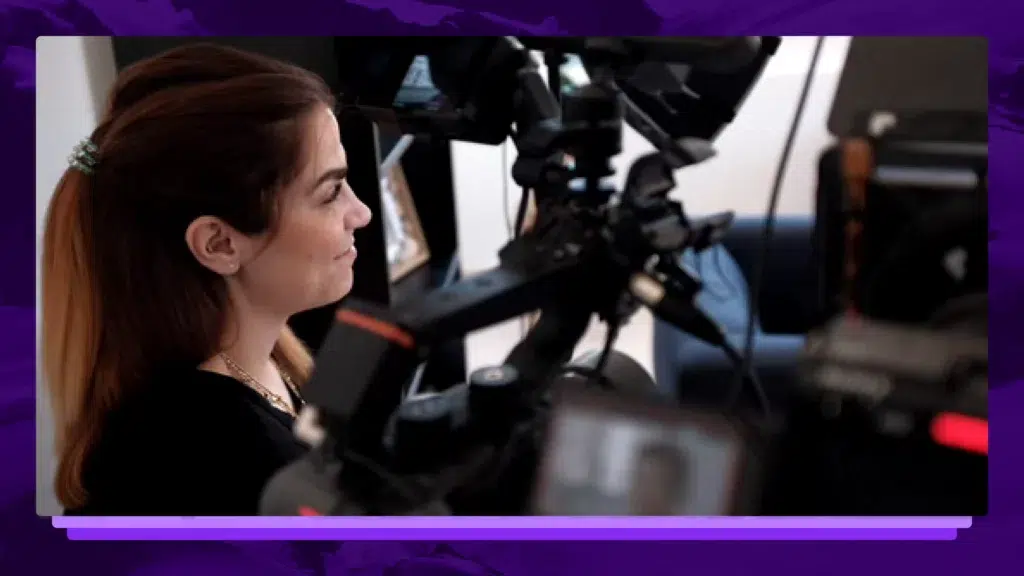
5 Tips For Interviewing Talent On-Camera
How do you get the most out of your talent when interviewing on-camera? We have a few thoughts.
.webp)
11+ Legal Tech Conferences to Attend in 2026
Legal tech conferences can introduce your firm to new, cutting-edge technology that will help you deliver better results at a faster pace. Let’s look at some important upcoming law events.

Reasonable Doubt: Definition, Burden, And Strategies
Understand what reasonable doubt means, the prosecution’s burden of proof, and how defense attorneys identify doubt in complex criminal trials.

Upgrade Police Evidence Management With Technology
Inefficient police evidence management isn't just a workflow issue—it's a barrier to justice. Luckily, technology is here to help. Click to learn more.
.webp)
Best Harvey AI Alternatives for Attorneys (+Accuracy Comps)
The best legal AI tools help attorneys address specific needs, optimize firm workflows, and improve client cases. See how these Harvey AI competitors compare.

42 Criminal Justice Statistics for the United States
The American criminal justice system is vast and ever-changing, with technology and reforms being introduced every day. Let’s look at some key criminal justice data.

58+ Chatbot Statistics That Demonstrate The Future of AI
The popularity of AI chatbots for businesses and beyond doesn’t seem to be slowing down. Let’s look at some statistics that cover the popularity, use cases, and future of AI chatbots.

60% of Americans Get Their Legal Knowledge From Media Consumption
A new survey reveals what Americans think lawyers do, spotlighting the growing need for solutions that close the gap between legal reality and public perception.

4 in 5 Legal Professionals Are Burned Out: Can AI Be the Lifeline?
New report: 4 in 5 lawyers experience burnout. Learn how overwhelming workloads lead to stress and how AI is helping legal professionals find balance.
Spanish Audio & Video Transcription: Transcribe Spanish Speech to Text
Spanish is the 2nd most commonly spoken language in the world, and transcription drastically increases content accessibility. Learn about Spanish transcription services here.
How to Turn on Closed Captions on Your TV
Learn how to turn on closed captions on your television set and how to customize settings and appearances.
The guide to using transcriptions in your video post-production process
Tell a better story in less time with a more efficient and collaborative video post-production workflow.
How to Add Open Captions to a Video
How hard is it to add open captions to a video? If you need your captions hard-coded into your video file, here's how you do it.

Nevada Election Fraud Hearing Transcript December 3
A Nevada election hearing was held on December 3, 2020 in Carson City after the Trump campaign claimed fraud in Nevada. Read the full transcript of the hearing here.

Georgia Senate Election Hearing Transcript December 3
The Georgia Senate Government Oversight Committee held an election hearing on December 3, where they evaluated the election process to ensure the integrity of Georgia’s voting process. Read the full transcript here.

Zoom ZM Q3 2021 Earnings Call Transcript
Zoom Video Communications (symbol ZM) reported quarterly earnings for Q3 2021 fiscal year on November 30, 2020. The company reported a huge earnings beat, but the stock fell after the earnings report. Read the full earnings conference call transcript here.

Donald Trump Speech on Election Fraud Claims Transcript December 2
Donald Trump gave a speech on December 2 to address his claims of election fraud. Read the transcript of his remarks here.

Georgia Election Official Gabriel Sterling: "Someone's Going to Get Killed" Transcript
Georgia election official Gabriel Sterling condemned President Trump for not speaking out against threats made to election officials during a press conference on December 1. He said: “Someone’s going to get hurt. Someone’s going to get shot. Someone’s going to get killed.” Read the transcript of his speech remarks here.

Georgia Press Conference on 2020 Election Recount
Georgia Secretary of State Brad Raffensperger & election officials held a press conference on November 30 to provide updates on the 2020 election recount. Read the transcript here.
Subscribe to The Rev Blog
Sign up to get Rev content delivered straight to your inbox.