








Media Content & Transcripts

How to Upload a Video to YouTube on Mobile and Desktop


Media Content & Transcripts
Blog posts
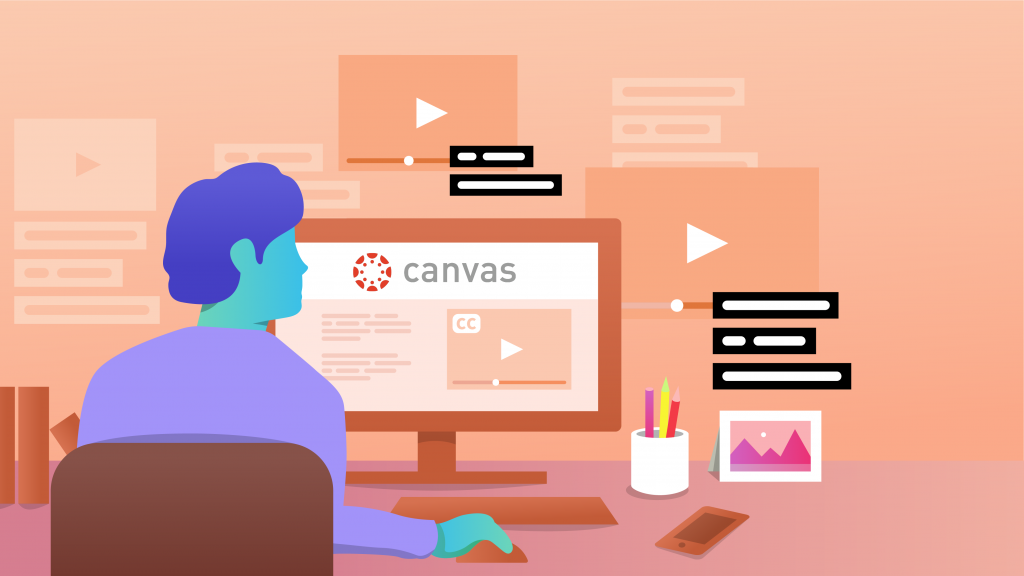
How to Add Closed Captions and Subtitles to Canvas Online Course Videos
Online course videos hosted on Canvas need to include closed captions and subtitles to make the content accessible. Learn more on our blog.
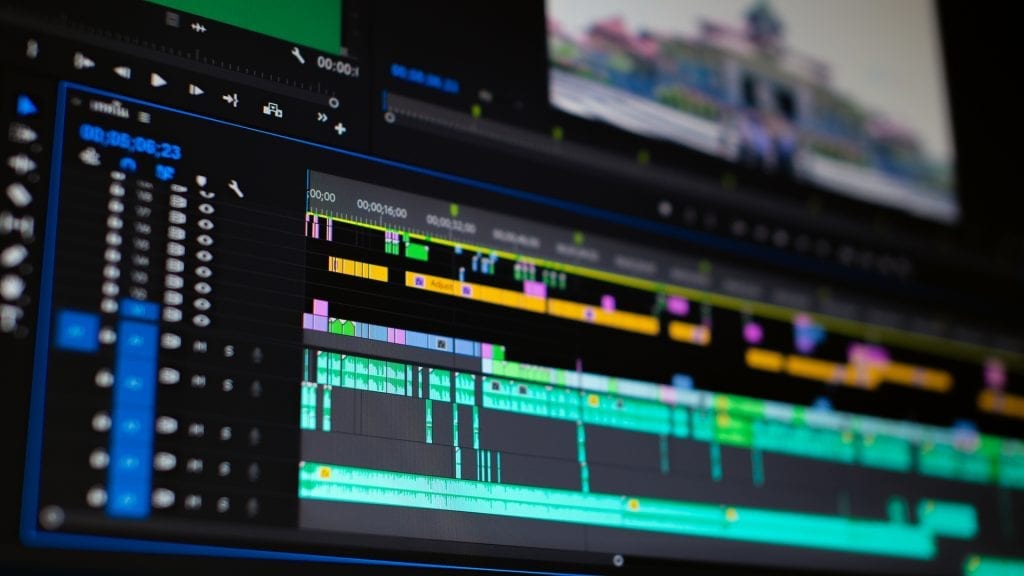
How to Edit Videos Faster in Premiere Pro: 5 Tricks
Learn how to edit videos faster in Adobe Premiere Pro with these five useful tricks. Learn more about how to use shortcuts, transcripts, and optimized workflows.

WCAG Web Content Accessibility Guidelines
Learn more about the WCAG web accessibility guidelines and why your brand needs to stay accessible for all.

How to Make, Produce and Edit an Electronic Press Kit (EPK)
Learn how to make, produce, and edit an electronic press kit (EPK).
How to Transcribe a Facebook Video to Text in 5 Simple Steps
Learn how to convert a Facebook video to text quickly online. Simply paste your Facebook video URL and you'll get a 99% accurate transcription in hours.
YouTube Transcription: How to Get and Upload a YT Transcript
YouTube transcription is a vital part of the user experience. Here’s our guide to getting, creating, and uploading a YouTube transcript.
7 Super Easy Steps to Timecode a Film, Movie, or Video Project
Learn what timecode is and how to use it in film production. Follow our guide to sync video and audio for professional editing results.
Transcripts

Golden Globes 2023 Highlights Transcript
From Eddie Murphy’s rules to Brad Pitt and Rihanna sightings, here are the best moments from the 80th Golden Globe Awards. Read the transcript here.

Remembering The Legacy Of Barbara Walters: Transcript
Remembering the storied career of legendary journalist Barbara Walters, who died over the weekend at the age of 93. Read the transcript here.

Ina Garten The 60 Minutes Interview Transcript
Sharyn Alfonsi speaks with the “Barefoot Contessa” about her journey to becoming one of the country’s most beloved cooks. Read the transcript here.

The Twitter files Transcript
The files are an Elon Musk-endorsed expose, revealing internal documents about how the company handled a news article. Read the transcript here.

Kanye West praises Nazis during shocking Alex Jones interview Transcript
The rapper formerly known as Kanye West appeared on Infowars and made anti-Semitic comments, sparking condemnation from many. Read the transcript here.

Will Smith gives first mainstream interview since "The Slap", discusses the Oscars and "Emancipation" Transcript
Will Smith discusses playing one of the most famous unknown people from American history in “Emancipation”, and how he’s spent the last year since the Oscars’ incident. Read the transcript here.
Subscribe to The Rev Blog
Sign up to get Rev content delivered straight to your inbox.