








Captioning Content
Closed Captions vs. Subtitles: What’s the Difference?

Captioning Content
Blog posts

How to Add Captions to TikTok
TikTok is the fastest-growing social media platform — make your videos viral material by learning how to add captions and subtitles with Rev.

How to Add Fonts to Premiere Pro for Subtitles & Captions
Follow these simple steps for downloading and adding new subtitle and caption fonts to Adobe Premiere Pro, no matter what device you’re on.
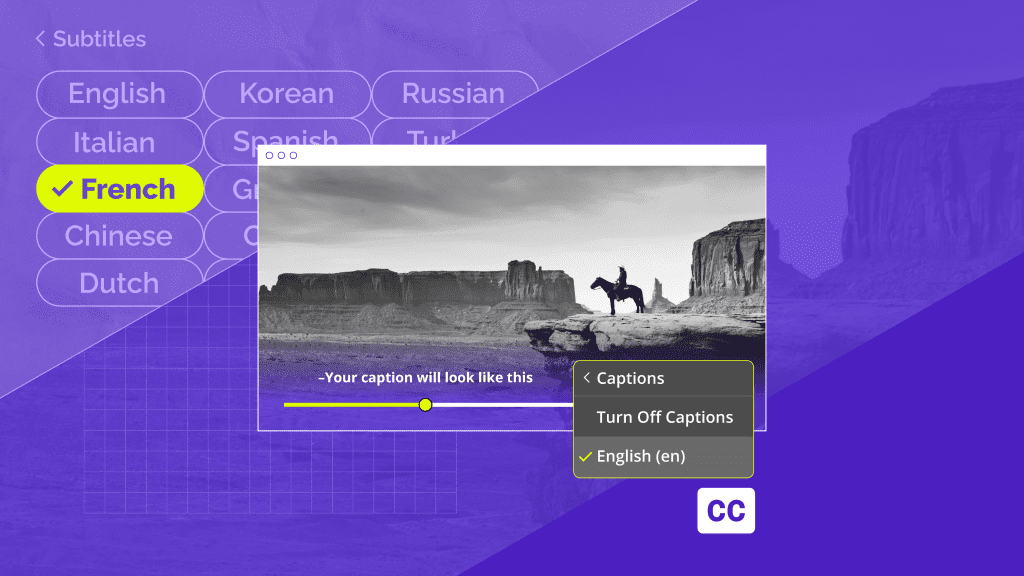
Closed Captions vs. Subtitles: What’s the Difference?
Learn more about closed captions vs. subtitles, the difference between them, and when is each of them used by the experts at Rev.

Best Fonts for Captions and Subtitles in Videos
Make your subtitles easy to read. Discover 7 of the best fonts to use for captions in videos, to get clear and professional text on any screen.
How to Add Captions and Subtitles to HTML5 Videos the Right Way
HTML5 provides flexibility for people to deliver content to audiences online. Learn how to get captions and subtitles to your HTML5 videos.
5 Easy Steps to Add Subtitles and Captions to Camtasia
Learn how to add captions and subtitles to Camtasia Studio. Improve your educational and tutorial videos with closed-captions or foreign language subtitles.
Zoom Closed Captioning: How to Caption & Subtitle Zoom Meetings and Recordings
Learn how to add closed captions and subtitles to Zoom meetings, recordings, webinars, video conferences, and more. Captions are great for web accessibility.
Transcripts

2024 BET Awards Recap
The BET Awards for 2024 were filled with big wins and even bigger performances. Read the transcript here.

The Hunchback Of Notre Dame (1939)
Read the transcript of the movie The Hunchback Of Notre Dame (1939)

Subscribe to The Rev Blog
Sign up to get Rev content delivered straight to your inbox.